Reference
Help & Support
Reference for the Help page: in-app tours, release notes, documentation, video tutorials, downloads, version information and how to reach the ETP team.
Last verified
The Help page is your central resource for learning TradeCopier, staying up to date, and getting support. Documentation, video tutorials, in-app tours, release notes, and access to the ETP team are all in one place.
Take a Tour
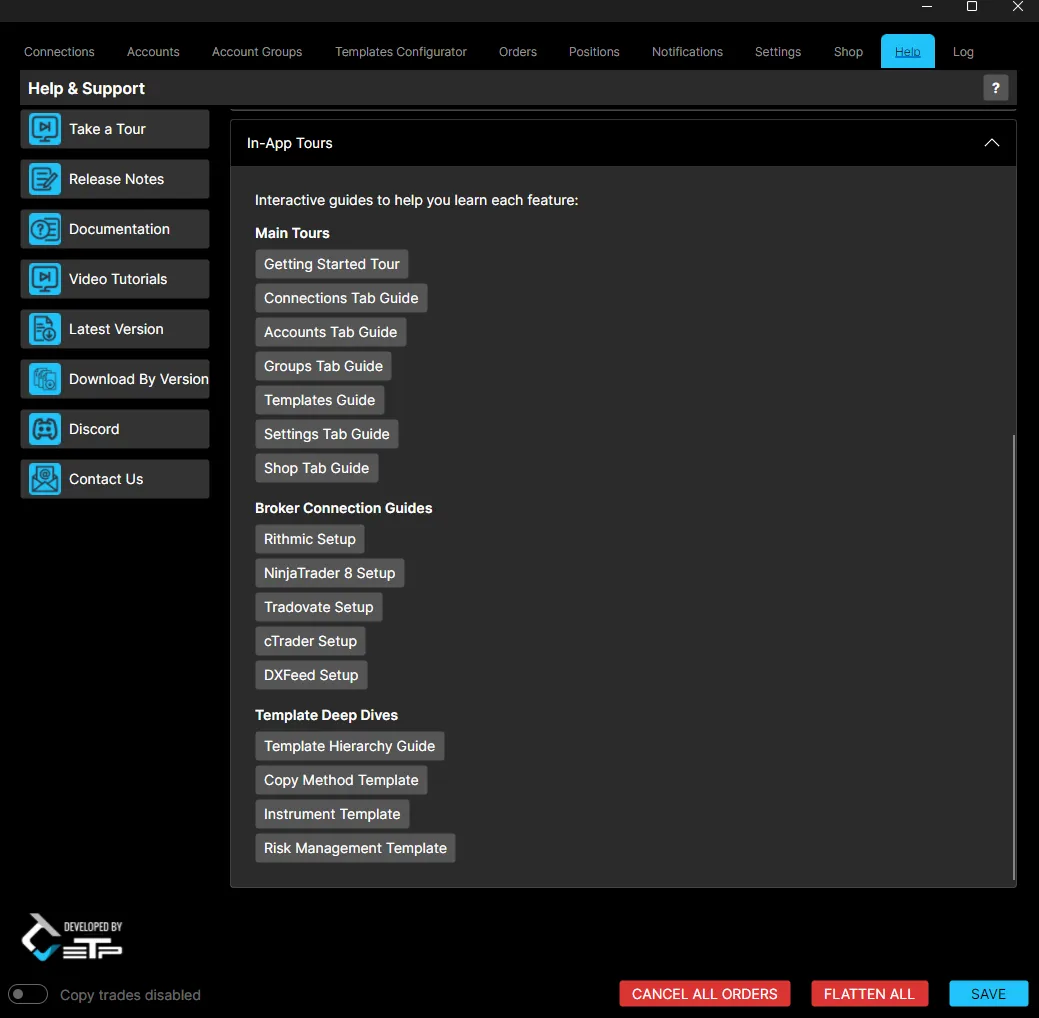
Opens the In-App Tours panel: interactive, step-by-step walkthroughs of TradeCopier’s features, organized into three groups.
Main Tours
- Getting Started Tour
- Connections Tab Guide
- Accounts Tab Guide
- Groups Tab Guide
- Templates Guide
- Settings Tab Guide
- Shop Tab Guide
Broker Connection Guides
- Rithmic Setup
- NinjaTrader 8 Setup
- Tradovate Setup
- cTrader Setup
- DXFeed Setup
Template Deep Dives
- Template Hierarchy Guide
- Copy Method Template
- Instrument Template
- Risk Management Template
Release Notes
Displays a list of all released versions of TradeCopier, along with their release dates.
Documentation
Opens the ETP TradeCopier documentation, covering everything from installation to a detailed overview of each tab.
Video Tutorials
Links to the official video tutorial playlist, with step-by-step videos covering installation, tab walkthroughs, feature explanations, and trading examples.
Latest Version and Download By Version
- Latest Version: takes you to the download page for the most recently released version of TradeCopier and the NT8 Add-on.
- Download By Version: takes you to a page listing every previously released version, if you need to install an older build.
Discord
An invite link to the ETP TradeCopier Discord server.
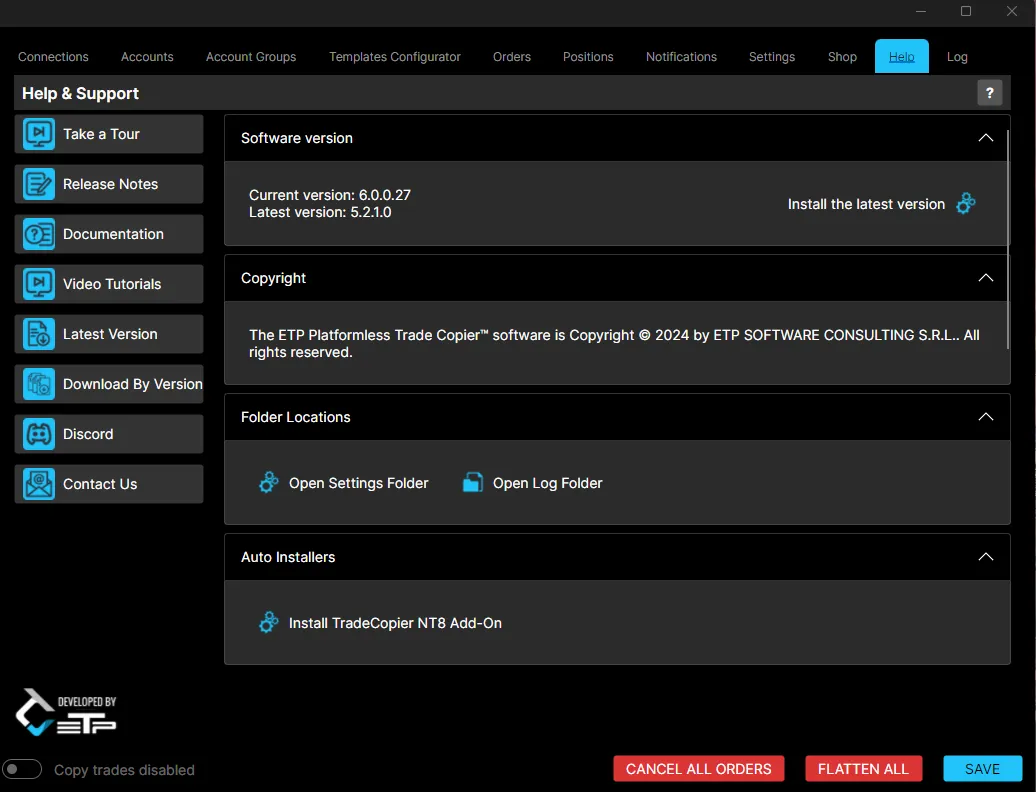
Software Version, Copyright and Folders
The Help page also shows:
- Software version: your current version and the latest available version, with a shortcut to install the latest.
- Copyright: the software’s copyright notice.
- Folder Locations: shortcuts to open the settings folder and the log folder.
- Auto Installers: a one-click installer for the TradeCopier NT8 Add-On.
Best Practices
- Start with the Getting Started Tour if you are new to TradeCopier.
- Check Release Notes after updating, to see what changed.
- Use the Log folder shortcut when gathering information for a support request.