Getting Started
Download TradeCopier
Download ETP Trade Copier for Windows or Linux from the official site, check the current public version, then continue to installation and sign-in.
Last verified
Getting ETP Trade Copier takes about a minute. You download the installer directly from the ETP Trade Copier website.
Downloading TradeCopier
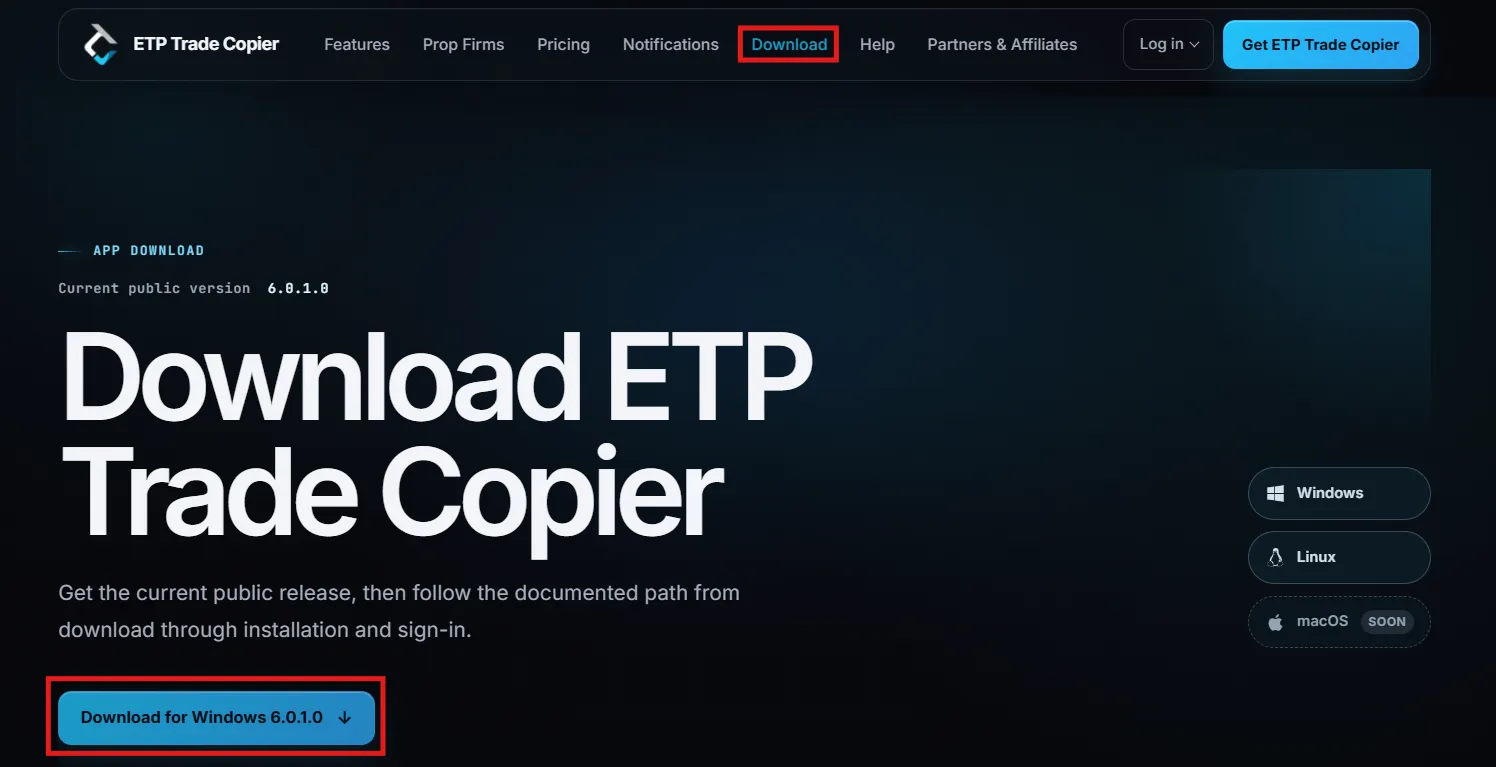
- Go to the download page or click Download in the top navigation.
- The page shows the current public version.
- Choose your operating system. Windows and Linux are available now, and macOS is coming.
- Click Download for Windows followed by the version number to save the installer to your computer.
Running NinjaTrader 8? The NT8 add-on is on the same page, beneath the Linux builds.
System requirements
- Windows: Windows 10 or Windows 11, 64-bit.
- Linux: 64-bit x86_64. Debian and Ubuntu users want the
.debpackage, and any other distribution can run the AppImage or the portable archive.
Next steps
Once the installer has downloaded, continue to Install TradeCopier to complete setup.
Best practices
- Always download from the official ETP Trade Copier website, so you know the installer is genuine and current.
- Check the version number on the download page before installing, to confirm you have the latest release.